
forum
rss Contact:
   overman [at]
   z-studios [dot] com
Overman's Blog

January 15, 2008

Talkies

Filed under: Machinima — Overman @ 12:45 pm

The Sims 2 has a reputation for being one of the easier machinima platforms out there - a reputation that is mostly true… there are indeed a lot of great things about the engine. However, you might have noticed the preponderance of music videos and other non-dialogue-based films which are made with The Sims 2. This versus say Halo, which seems to be the talkie magnet. And if you look at a cross section of some of today’s finer machinima filmmakers, you’ll find that many avoid lipsync altogether - not because they wouldn’t like to use it, but because why do it if it’s not going to look great?

There is a very good reason for this: to do lipsync well in machinima is not easy, and it has never been easy to do well… (okay, not until Moviestorm, but I digress). The costs of production (in terms of time) skyrocket in most machinima engines when one hopes to get precision lipsync that actually elevates the film instead of bringing down the overall quality. And this challenge has a long history.

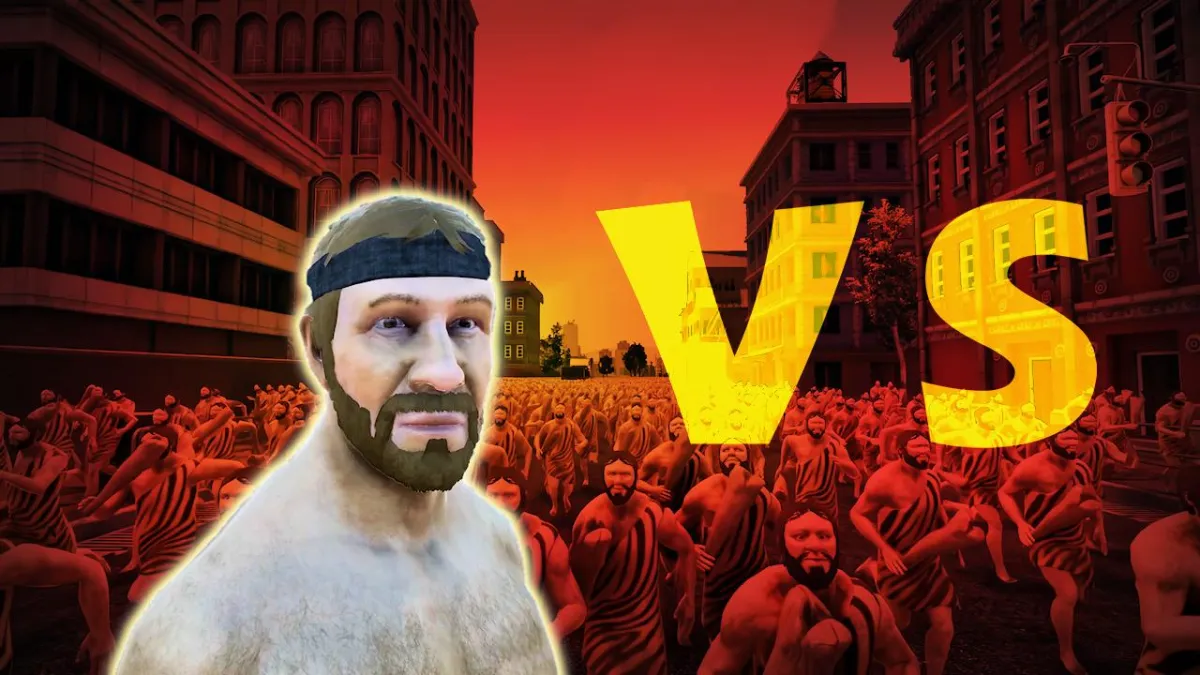
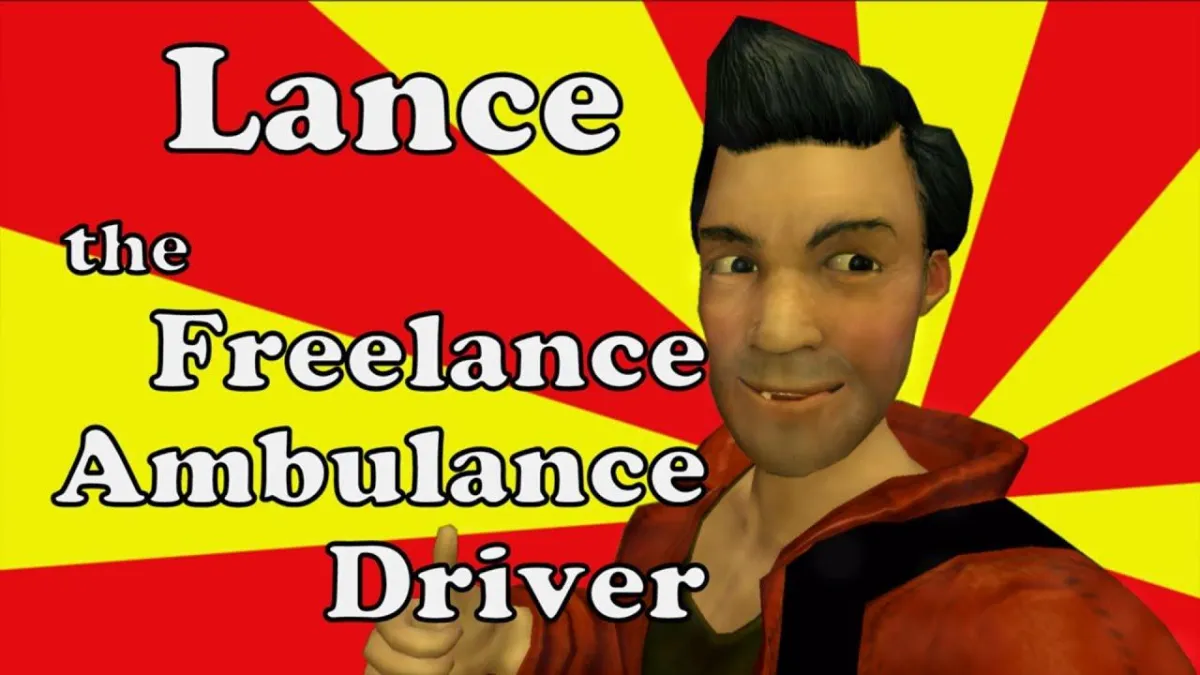
Eschaton: NightfallFor Quake 2, Hugh Hancock wrote a utility called “Lippy” which would swap the skin images of characters in a mostly random pattern, taking guidance from a text file outlining the start and stop of dialogue bits. It was a remarkable achievement for its time, used to great effect in their Eschaton: Nightfall film. While more technically complex, at its essence this was the same type of method he used to achieve Bloodspell in the otherwise my-lips-are-sealed world of Neverwinter Nights. Dr. Nemesis used the same skin-switching approach in his Bouncers series, though instead he manually set each individual phoneme to maximize precision.

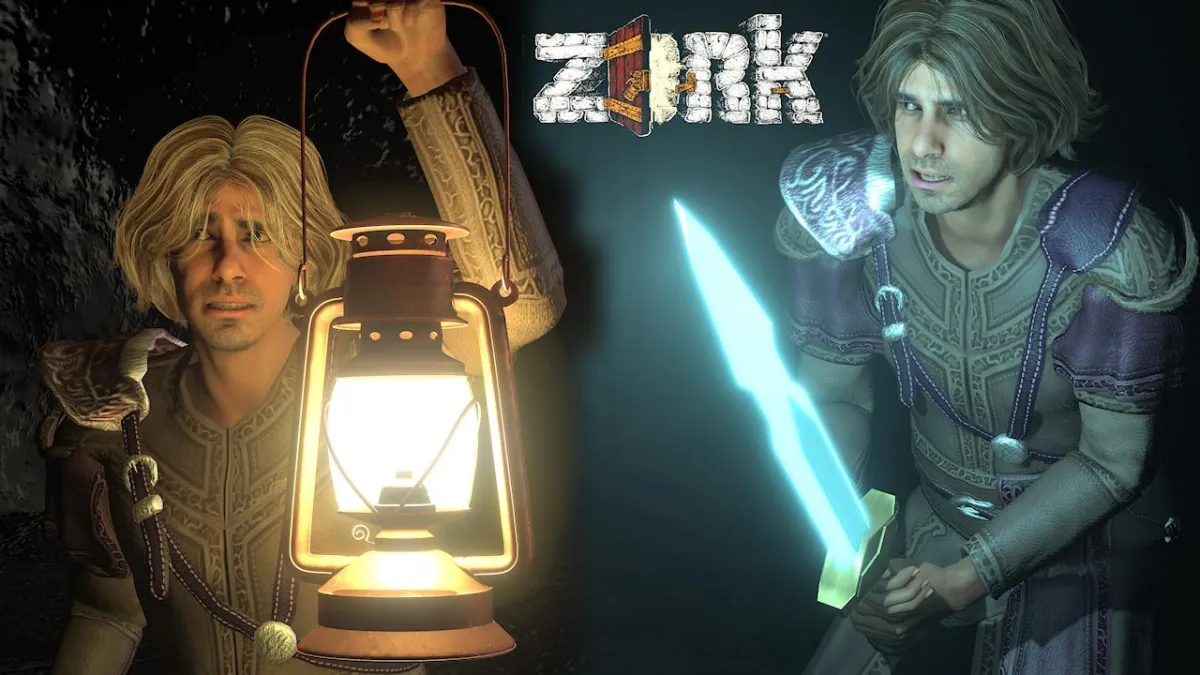
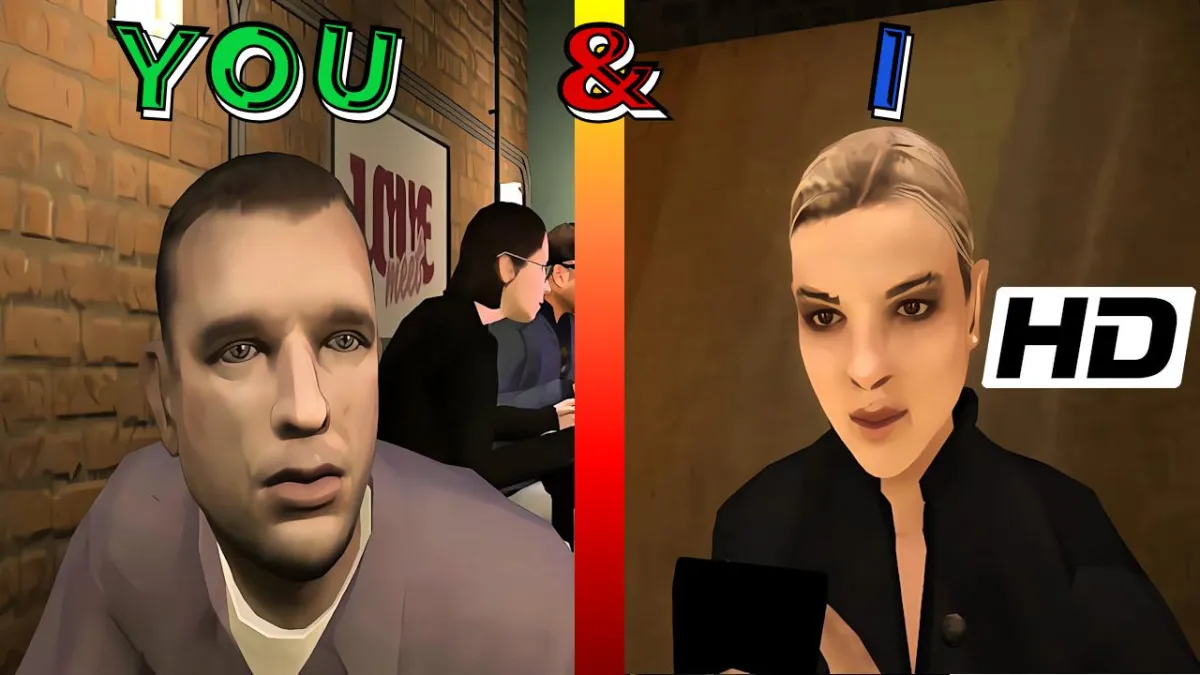
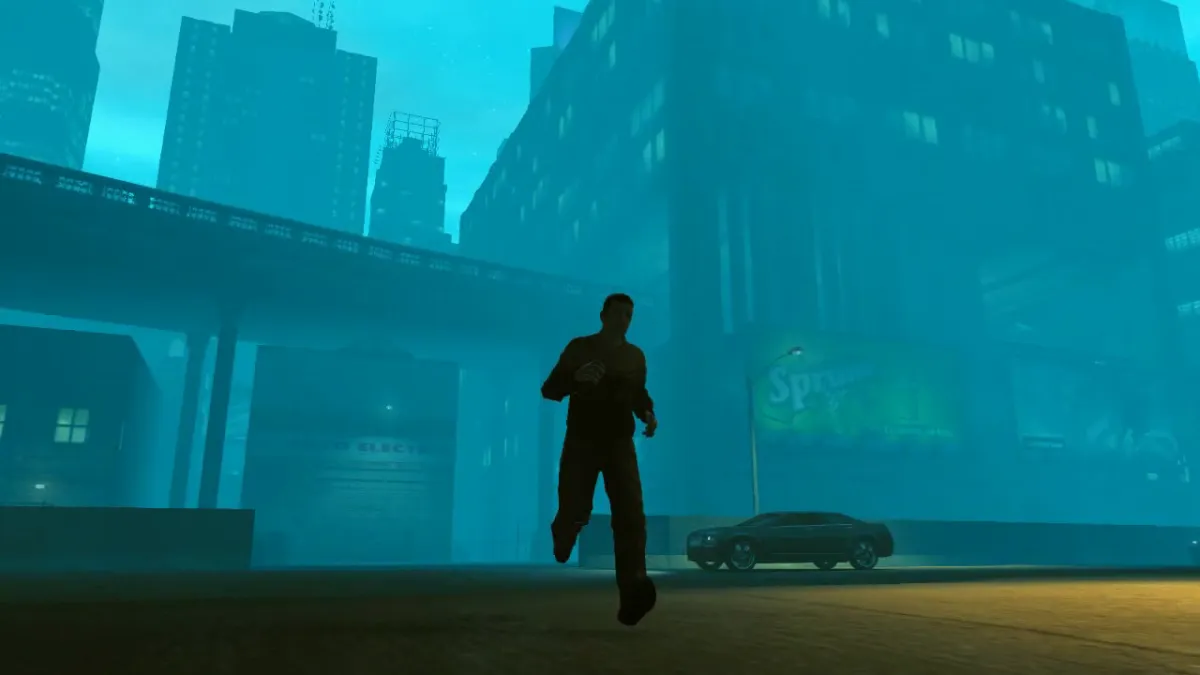
In Half-Life 2, Faceposer opened wonderful lipsync and facial expression power in an unmatched way, but getting good results like Lit Fuse does takes a lot of hard work with a tool that has some frustrating limitations in terms of file length.

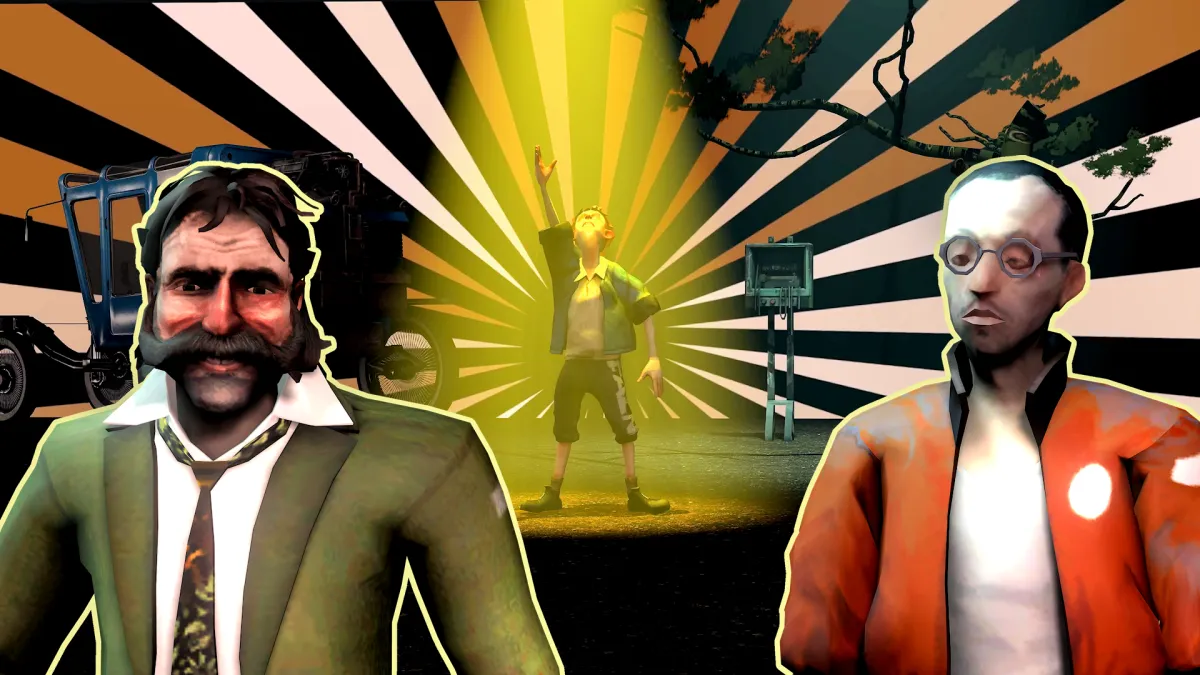
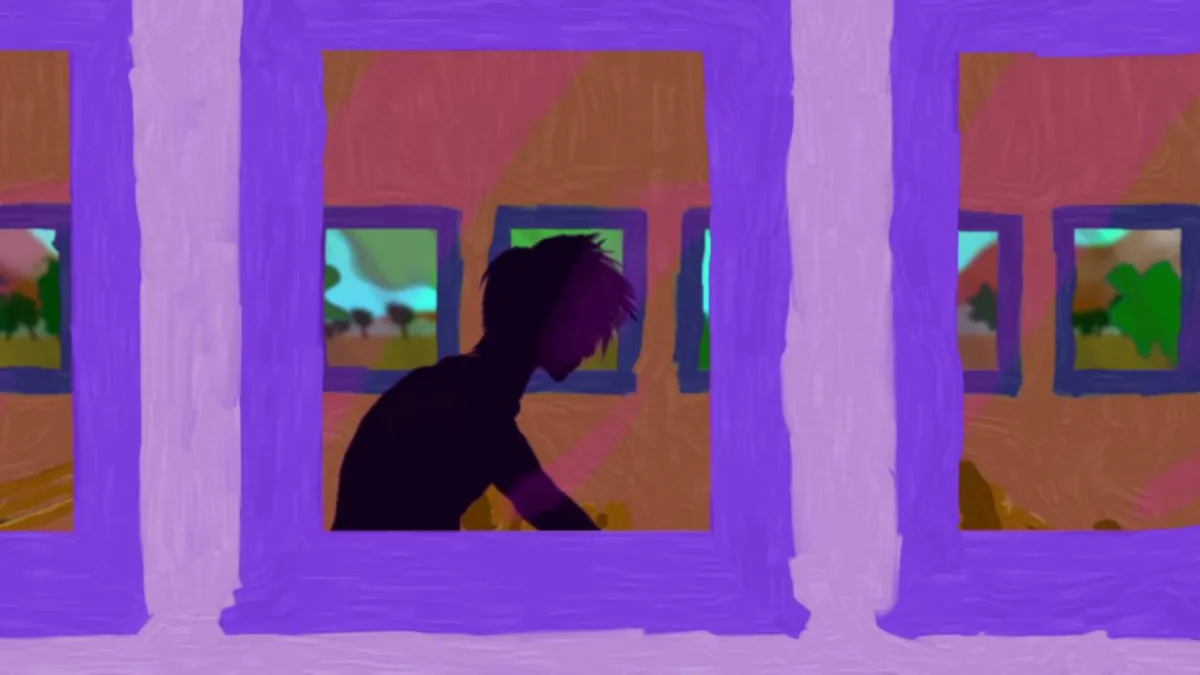
BeastCrazyTalk (usable with iClone and elsewhere) is a tremendously versatile tool which can do some wonderful things in a cross-platform kind of way, but CT’s phoneme detection engine is a little on the weak side so it still takes quite a bit of work to get precision. Almost all the lipsync you’ll see in Second Life films (and there aren’t many which do it) is done with CrazyTalk, as was the lipsync in Leo’s Beast, which involved painting a CrazyTalk video texture onto a model in Autodesk MotionBuilder.

World of Warcraft characters have phonemes which often look more like eating than talking, these big chomping motions of the jaw; only filmmakers with great finesse and patience (Oxhorn comes to mind) are able to make use of it effectively. Halo, of course, avoids the issue altogether by putting a big opaque helmet over the character’s face.

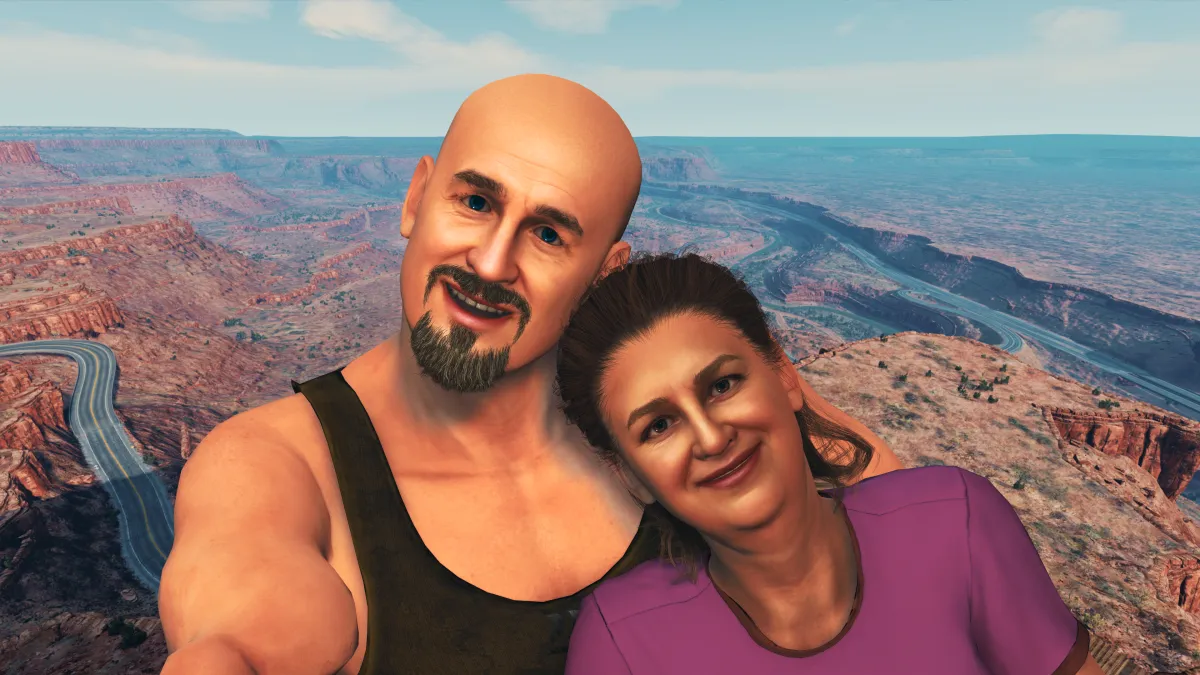
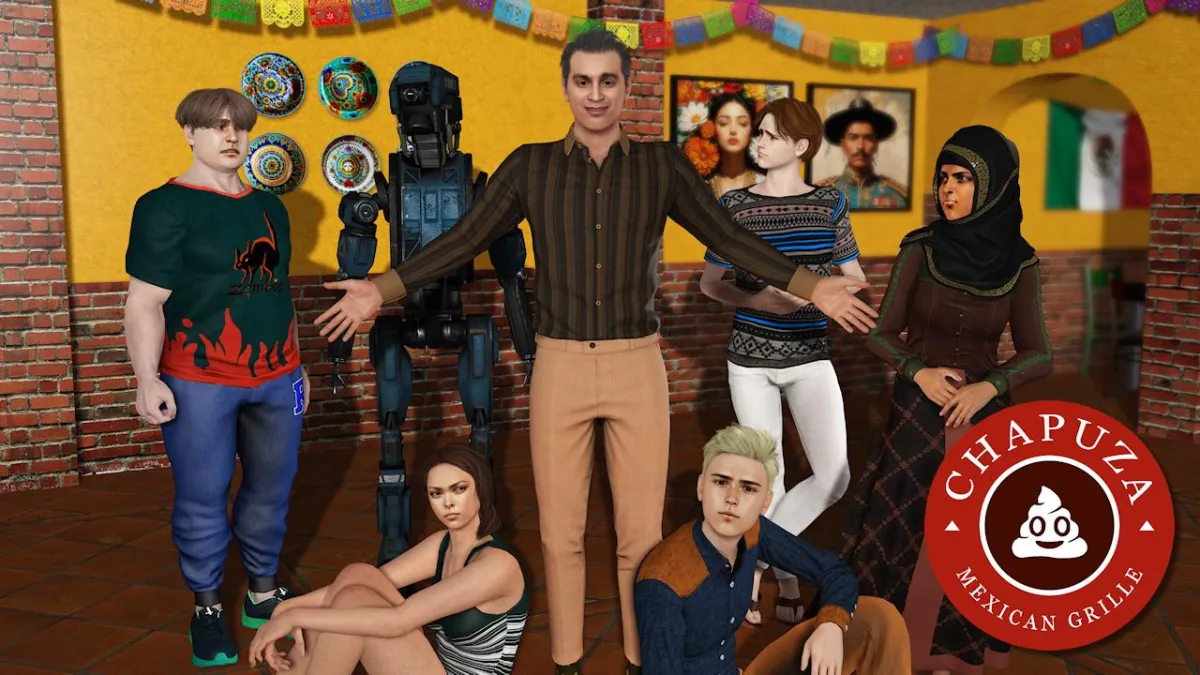
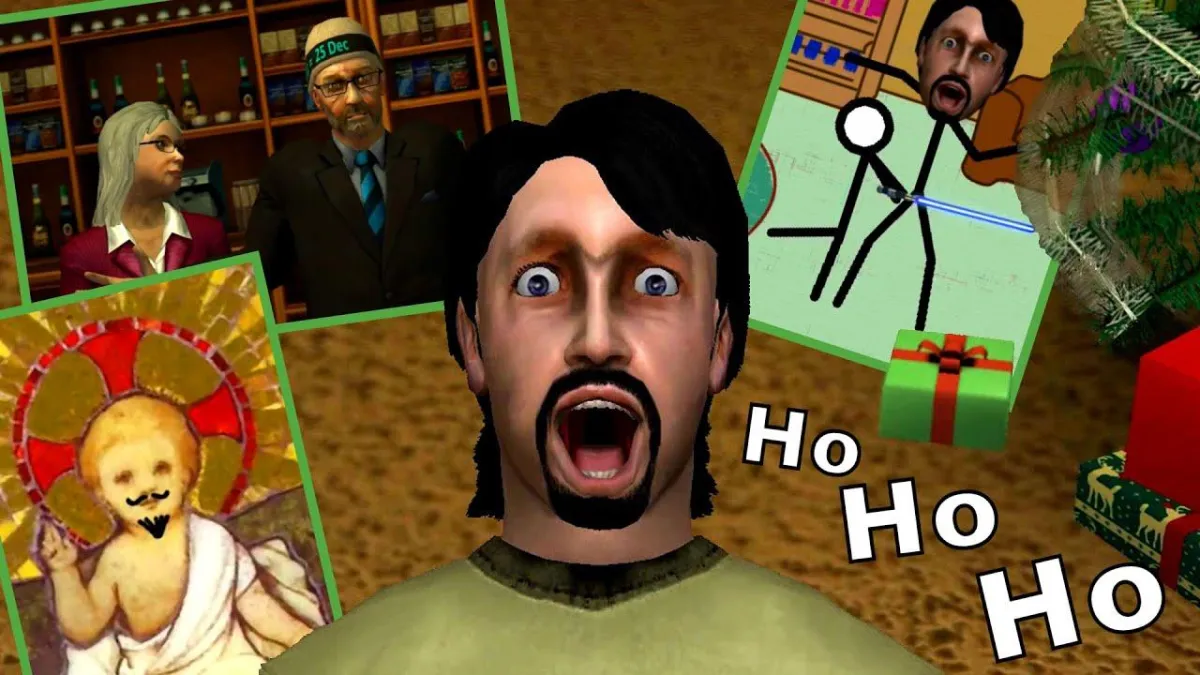
The Fixer Chapter IIIThe Sims 2 is unique among all machinima engines in its approach to lipsync. Its characters do actually talk and emote in the game… but they speak an indecipherable Simlish, making it challenging to harness those phonemes to match your own lines of dialogue. As a result, you end up seeing a LOT of The Sims 2 films with either no lipsync precision at all, or only for very short lines. Todd Stallkamp’s work in The Fixer Chapter III is a very artful use of this approach.

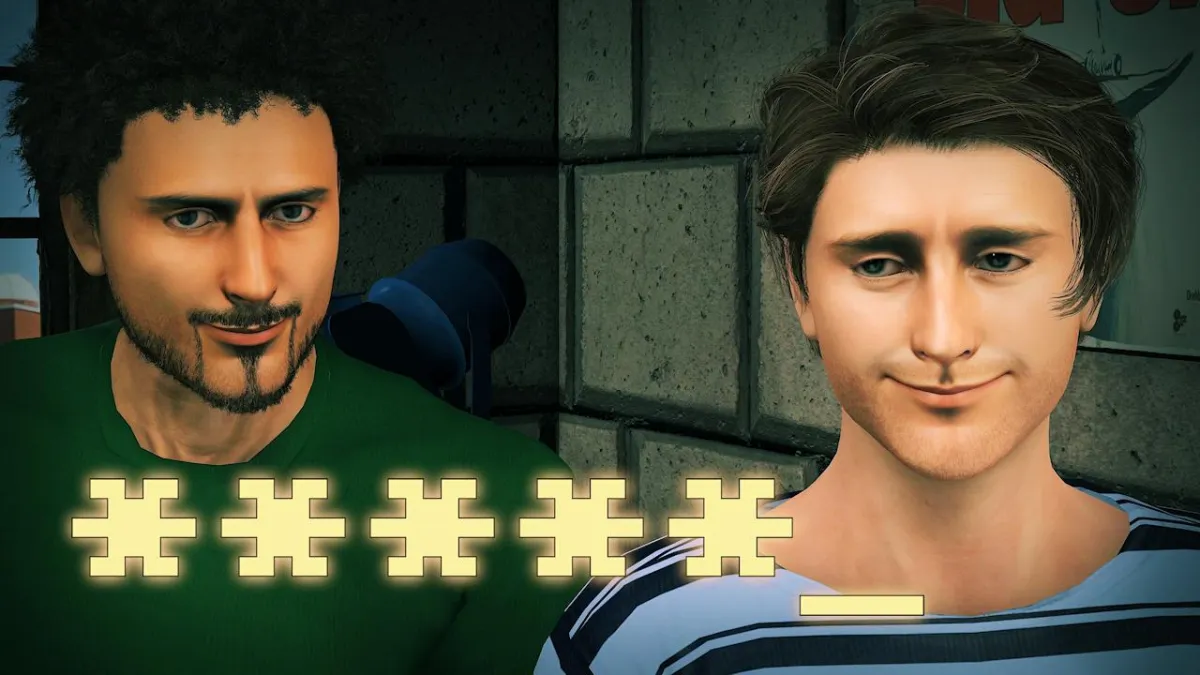
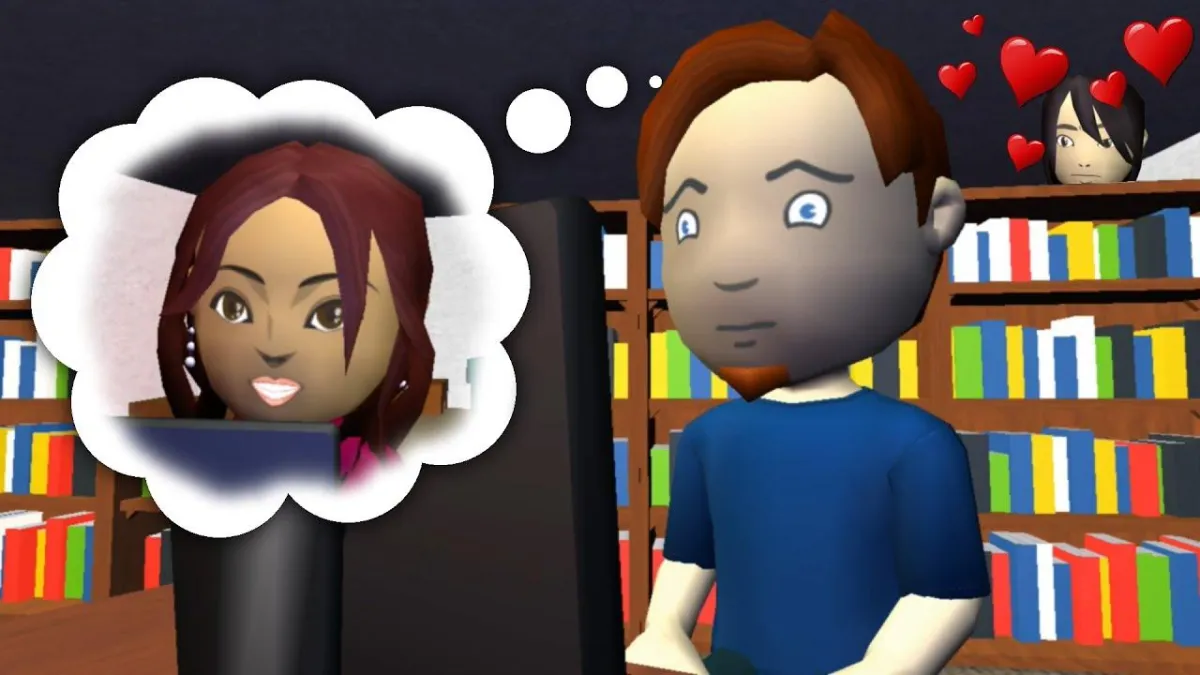
But since The Fixer’s third chapter, Decorgal has been working tirelessly on a more systematic approach to reining in the lips of those Sims. She’s been working on a “talkie” drama series for over a year now, Adventures in Dating, rooted wholly in dialogue between characters. Over those many months - in part I’m sure to improve production speed, but also to improve precision of the lipsync - she has been working on modifications to the game which give her the ability to trigger specific phonemes and “sounds-like” phrases. The first of these sort of “trigger boxes” were shipped with the game, though I believe they had to be unlocked by cheat codes; these, and later CJ Ambrosia’s TS2 Studios, were designed to trigger certain character animations outside the context of the game’s own AI, and made much of what you’ve seen in The Sims 2 machinima possible.

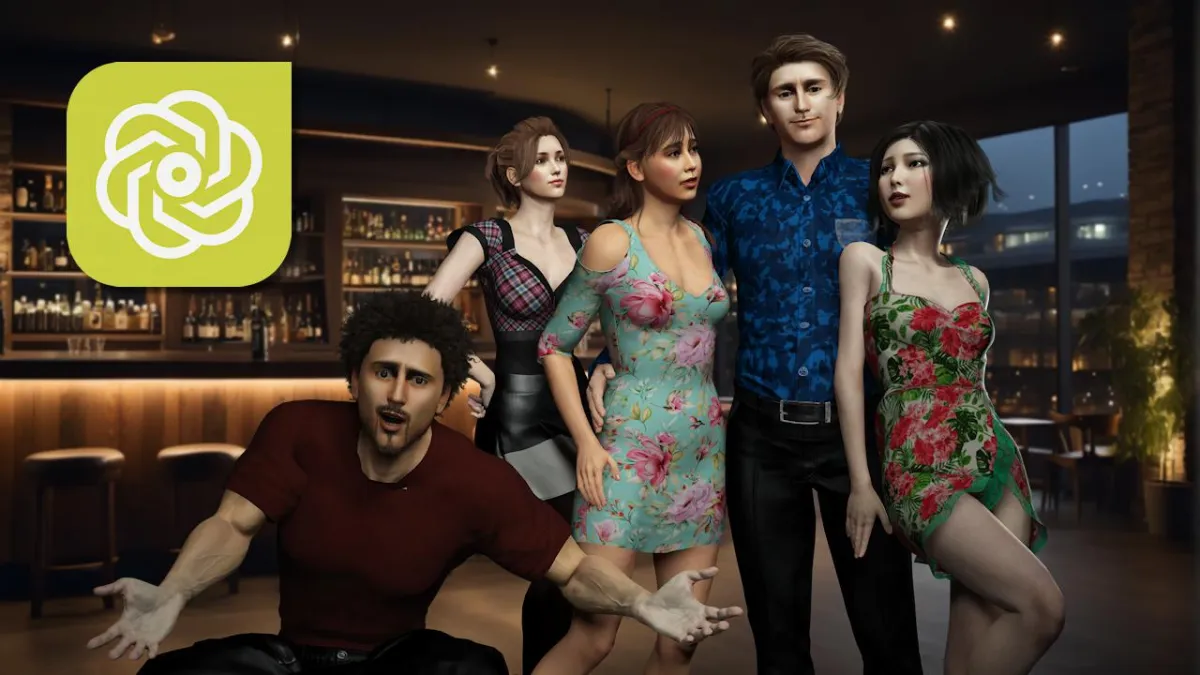
Adventures in DatingDecorgal has taken it a step further, focusing specifically on talk. If you have watched AinD or been following her blog, you’ve seen the innovations work their way into her productions as she figured out how to get finer and finer control over the faces and mouths of her characters.

And now she has gone even further: she has compiled all she has learned about how to make an effective “talkie” in The Sims 2, and published it as a downloadable guide (registration required). Couple this tremendous tutorial with Michelle’s Sims 2 movie-making guide, and you’ve got yourself a veritable bible of Sims 2 filmmaking. All things considered, even with the IP worries, TS2 remains the most robust and accessible game environment for making machinima in existence today.

   My Zimbio
3 Comments
  1. Great write-up, Overman. I’ve been thinking along the same lines myself. I’m psyched to hear about Todd’s work (his work with EA has really kept his personal machinima work to a minimum) and the Decorgal guide sounds wonderful. And I think you absolutely right about TS2 being the the “most robust and accessible game environment for making machinima in existence today”. It’s a shame that EA is not as accessible and machinima friendly as their game. Not being able to own (or even license) your TS2 work (outside of script and performances) is a real stumbling block. Still, with Michelle’s guide and now Decorgal’s, I think even in spite of obstacles, TS2 will be a major machinima tool far into the future. Certainly the community is huge and active. Can’t say the same for the general machinima community as a whole.

    As always, your blog is my center for what’s happening in machinima.

    Thank you!

    -Ricky

    Comment by Ricky Grove — January 15, 2008 @ 3:50 pm

  2. I was wondering how Beast was done. I like CrazyTalk alot but I am kind of limited to doing closeups when I use it. I have been trying to mix in game animations so I can get sync plus body movement.

    Don’t forget Jaydee also. If it wasn’t for her tools and tips alot of us would not be doing machinima to begin with.

    Comment by Charlemange — January 15, 2008 @ 8:22 pm

  3. Let me just mention one more lipsync tool: Mimic.
    Last version 3.1 is couple years old but it works very, very good. It is for Poser and Daz characters and as such can be exported in many applications via Fbx or Collada exporter from Daz.
    It is not just lipsync, this is full facial expression tool, with easy to learn and intuitive environment. It is also posible to export straight to video file. Great tool - far better then built in Poser lipsync and there is some rumors about new version soon…
    I toyed with many lipsync technologies over the years and this one is - beside magic CrazyTalk best tool for the job.

    Comment by Tom — January 16, 2008 @ 5:22 am

RSS feed for comments on this post.   TrackBack URI

Leave a comment... or, take it to the forum (click here)


Powered by WordPress